
Android Microsoft 365 apps needed urgent patching, is yours up to date?
A debug flag left on in six Microsoft 365 Android apps let other apps silently steal login tokens. The patch is out, here’s what to check.
By The Dragon Digital team ·
If your team uses Microsoft 365 on Android phones, there was a window earlier this year when Outlook, Word, Excel, PowerPoint, OneNote, and the Copilot app all had the same serious flaw. A debug setting that should have been switched off before release was left on in the code that ships to your phone. The result: any other app already installed on the same device could quietly ask for, and receive, the digital keys that keep you signed into your Microsoft 365 account.
No password needed. No pop-up. No sign that anything had happened. The flaw sat in a shared chunk of Microsoft code used across all six apps, so the same hole appeared in every one of them simultaneously.
What could actually go wrong?
The attack required a dodgy app to already be on the device, so this wasn’t something that could happen remotely over the internet. But if a staff member installed something questionable, or a legitimate app was quietly compromised, that app could walk off with access to their entire Microsoft 365 account: email, files, calendar, the lot.
For businesses where staff use personal or shared Android phones for work, that risk is very real. Think of a small hotel in Llandudno where phones get passed between front-desk staff, or a trades firm in Flint where engineers share a work device on site. A single stolen Microsoft 365 credential can unlock access to your whole business, mobile apps are increasingly where that kind of exposure starts.
According to TechRepublic, Microsoft issued patches on 12 May 2026, and there’s no public evidence the flaw was exploited before the fix arrived. Good news, but only useful if the apps have actually been updated.
What to check right now
Three straightforward steps:
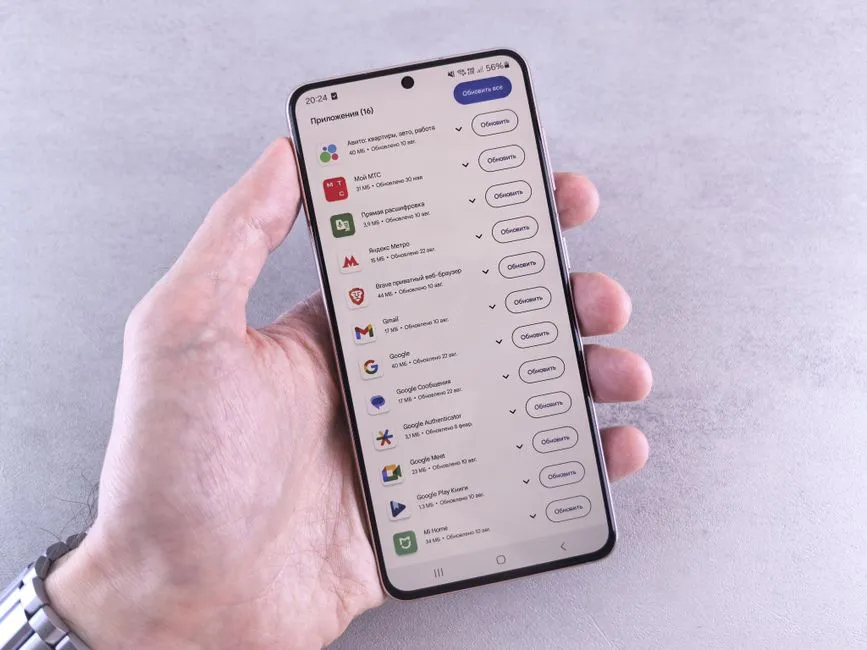
- Update the apps. Word, Excel, PowerPoint, OneNote, Outlook, and the Microsoft 365 Copilot app on every Android device used for work. Open the Google Play Store and check for updates. If automatic updates are on, most devices should be patched already.
- If you manage devices centrally, confirm those six apps are running the patched builds and push updates to anything that hasn’t pulled them yet.
- For staff with access to sensitive data, client files, financial records, payroll, it’s worth a quick look at recent sign-in activity to check nothing looks out of the ordinary. Microsoft Teams on Android wasn’t affected; its debug flag was set correctly before release.
One more thing worth knowing: tokens issued before 12 May could technically still be active. For most businesses, getting the apps updated is enough. If you’re dealing with highly sensitive accounts and want certainty, you can revoke those tokens and ask staff to sign back in, a five-minute job that removes any lingering doubt.
Boring when it works, as all good security fixes should be. Dragon Digital keeps client devices patched and verified as part of managed IT support for businesses across North Wales, including mobile apps when they’re used for work, worth a conversation if you’re not sure your Android fleet is covered.
Could your business use a hand with its IT?
We provide managed IT support, cyber security and more to businesses across North Wales.
Related guides
- ComplianceCybersecurity
Windows domain controllers under active attack, is yours patched?
A critical Windows flaw is being actively exploited right now. The patch has been available for three weeks. Here’s what it means for your business and what.
- Cybersecurity
Lookalike domain scams: what your business needs to know
Attackers register near-identical misspellings of trusted company names to steal credentials. Standard email filters miss them. Here’s what actually helps.
- Cybersecurity
Your staff are the target: defending against voice phishing
Criminals aren’t hacking your firewall, they’re ringing your team. Voice phishing is on the rise and your staff are the way in.