
BitLocker has a newly disclosed weakness, what it means for encrypted laptops
A flaw called YellowKey lets attackers bypass BitLocker encryption with a USB stick and physical access. Here’s the practical impact and what to do before.
By The Dragon Digital team ·
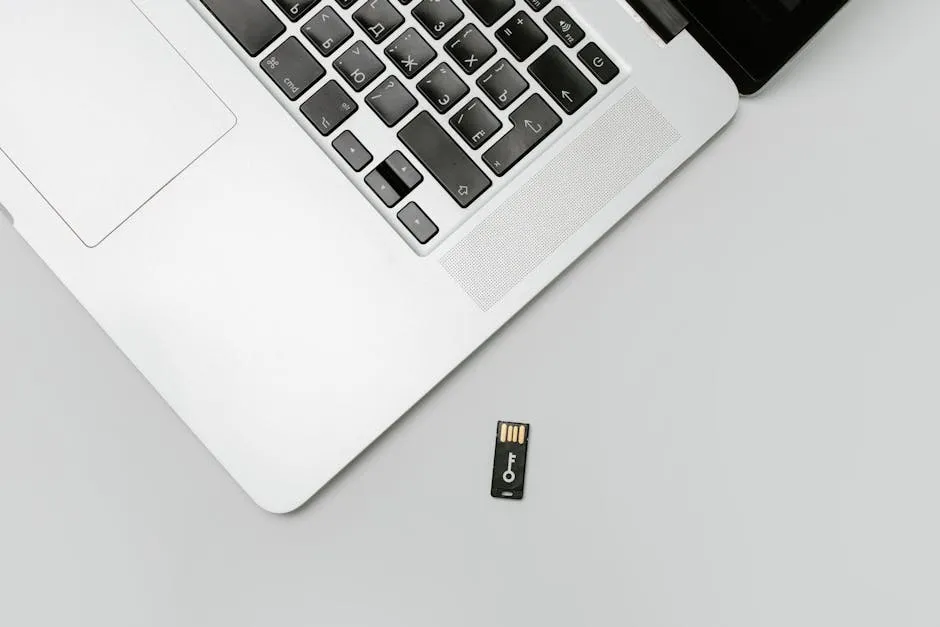
If your business issues encrypted laptops to field staff or remote workers, BitLocker has probably been your quiet reassurance that sensitive data stays locked if a machine goes missing. A newly disclosed vulnerability puts a dent in that reassurance, at least until Microsoft releases a fix.
What YellowKey actually does
A security researcher has published working code for a flaw they’ve named YellowKey. It affects Windows 11 and Windows Server 2022/2025 (Windows 10 isn’t in the picture). The attack involves copying specially crafted files onto a USB stick, plugging it into a BitLocker-encrypted machine, rebooting into the Windows Recovery Environment, the built-in repair tool Windows loads when something goes wrong on startup, and holding the Ctrl key at the right moment. If the timing lands, an attacker gets unrestricted access to the drive without needing the BitLocker password or recovery key.
Importantly, YellowKey doesn’t crack the encryption itself. It exploits a gap in that recovery environment, which sits slightly outside the part of the drive BitLocker normally protects. Microsoft has not yet issued a patch, which makes this a zero-day: the flaw is public, it works, and there’s currently no official fix.
What this means if your business uses encrypted laptops
Here’s the bit that matters most: the attack requires physical access to the machine. Someone needs to either plug a USB stick in directly, or physically handle the drive. That’s a meaningful barrier.
For laptops that stay on a desk in a locked office in Mold or Ruthin, the risk is relatively low. For machines that travel, to client sites, parked in vans overnight, or sitting in a shared workspace, it’s a different conversation. Physical access to a stolen or unattended laptop is exactly what this exploit needs.
The concern isn’t that encryption is suddenly useless. It’s that BitLocker in its default setup (relying on the machine’s built-in security chip alone, with no extra PIN) is more vulnerable than most businesses realise.
What to do now
A patch from Microsoft will close this properly. Until then, these steps reduce your exposure significantly:
- Add a BitLocker startup PIN. Requiring a PIN at boot means the drive won’t unlock without it, even if someone has physical access. Users have to type it in every time they start the machine, most businesses handling sensitive data find that a fair trade.
- Secure your BitLocker recovery keys. If recovery keys are sitting in a shared email thread or a Post-it note in a drawer, that’s the gap that needs fixing today. They should be stored in Microsoft Entra ID (your cloud identity system) or a properly secured vault, with access logged.
- Think about physical security for mobile machines. YellowKey highlights what was already true: a laptop left unattended in a vehicle is a physical security problem, not just a software one.
- Watch Microsoft’s security advisories for the patch. Our May Patch Tuesday article covers the current advisory landscape and what to prioritise. For a broader look at whether your security controls would hold up under scrutiny, our piece on cyber insurance claim denials is worth a read too, BitLocker configuration is exactly the kind of thing insurers look at.
A BitLocker PIN and properly stored recovery keys close most of the gap YellowKey exposes. Dragon Digital audits BitLocker configurations and sorts the setup for businesses across North Wales, if your team uses laptops in the field and you’re not sure whether they’re protected the way they should be, that’s a worthwhile check to make.
Could your business use a hand with its IT?
We provide managed IT support, cyber security and more to businesses across North Wales.
Related guides
- Cybersecurity
Android Microsoft 365 apps needed urgent patching, is yours up to date?
A debug flag left on in six Microsoft 365 Android apps let other apps silently steal login tokens. The patch is out, here’s what to check.
- ComplianceCybersecurity
Windows domain controllers under active attack, is yours patched?
A critical Windows flaw is being actively exploited right now. The patch has been available for three weeks. Here’s what it means for your business and what.
- Cybersecurity
Lookalike domain scams: what your business needs to know
Attackers register near-identical misspellings of trusted company names to steal credentials. Standard email filters miss them. Here’s what actually helps.