
Is Defender for Office 365 Enough on Its Own? Real-World Numbers Say Maybe Not
A six-month audit across 100+ users found Defender missed nearly 45% of malicious emails. Here’s what that means for your North Wales business inbox.
By The Dragon Digital team ·
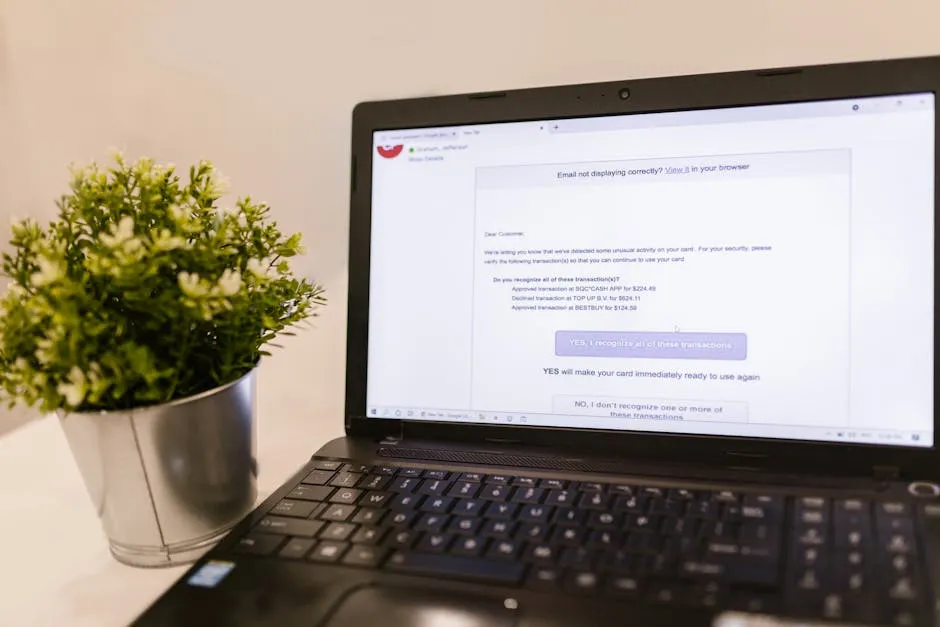
If your business runs Microsoft 365 Business Premium, Defender for Office 365 is almost certainly your first line of defence against email threats. It’s included in the licence, it’s switched on by default, and Microsoft has put serious engineering behind it. For most North Wales SMBs, it’s a solid starting point.
But a recent real-world audit should give you pause. Over a six-month period, an MSP tracking around 100 users across multiple clients found that Defender caught roughly 55% of malicious emails. That means 45% got through. Out of more than 165,000 emails scanned, nearly 2,700 potentially harmful messages landed in inboxes with no warning. Phishing links, dodgy attachments, impersonation attempts — the lot.
What Defender actually does (and where it falls short)
To be clear, Defender for Office 365 Plan 1 — the version included with Business Premium — does a proper job on paper. It runs attachments through a sandbox before delivery, rewrites links to check them at click time, and uses machine learning to spot phishing patterns. Properly configured, it handles a lot.
The catch is that last bit: properly configured. Most Business Premium tenants aren’t tuned to Microsoft’s own recommended settings, let alone anything beyond that. And even when they are, the audit numbers suggest a meaningful volume of threats still get through.
This isn’t about Defender being broken. It’s about whether a single layer of email filtering is the right approach when malicious email remains the most common way attackers get into small businesses.
What this means for your business
If you’re on Business Premium, Defender is already active — that’s a good thing. But it’s worth asking a couple of straightforward questions:
- Has your Defender configuration actually been tuned, or is it still on default settings?
- Do you have anything sitting alongside it to catch what it misses?
- If a phishing email did land in someone’s inbox tomorrow, would your team know what to look for? Adding a second filtering layer is usually modest in cost per user per month. The cost of a successful phishing attack or ransomware incident is a very different conversation — as UK retailers found earlier this year when coordinated attacks caused serious disruption (we covered that in our Co-Op and M&S breakdown).
It’s also worth knowing that some phishing emails are surprisingly convincing precisely because of how Microsoft 365 handles certain senders — something we’ve written about in why external emails can appear to come from your own staff.
If you’d like us to take a look at how your email security is set up, we’re happy to have that conversation. No hard sell — just a straightforward check to make sure what you’ve got is actually doing the job.
Could your business use a hand with its IT?
We provide managed IT support, cyber security and more to businesses across North Wales.
Related guides
- Cybersecurity
Android Microsoft 365 apps needed urgent patching, is yours up to date?
A debug flag left on in six Microsoft 365 Android apps let other apps silently steal login tokens. The patch is out, here’s what to check.
- Microsoft 365
Microsoft 365 is changing in June, what you need to do
Microsoft is retiring standalone OneDrive plans, Teams Live Events, and tweaking how some email and sync access works. Here’s what matters for your business.
- Microsoft 365
Microsoft Exchange Online email delays: what happened and what to do
On 2 June, Microsoft 365 email ground to a halt globally, with messages queuing for over an hour. Here’s what caused it and what to check in your account.