
Locked out of Microsoft 365? Here’s how to get back in
If you’re the only admin on your Microsoft 365 account and MFA locks you out, recovery is painful but possible. Here’s exactly what to do.
By The Dragon Digital team ·
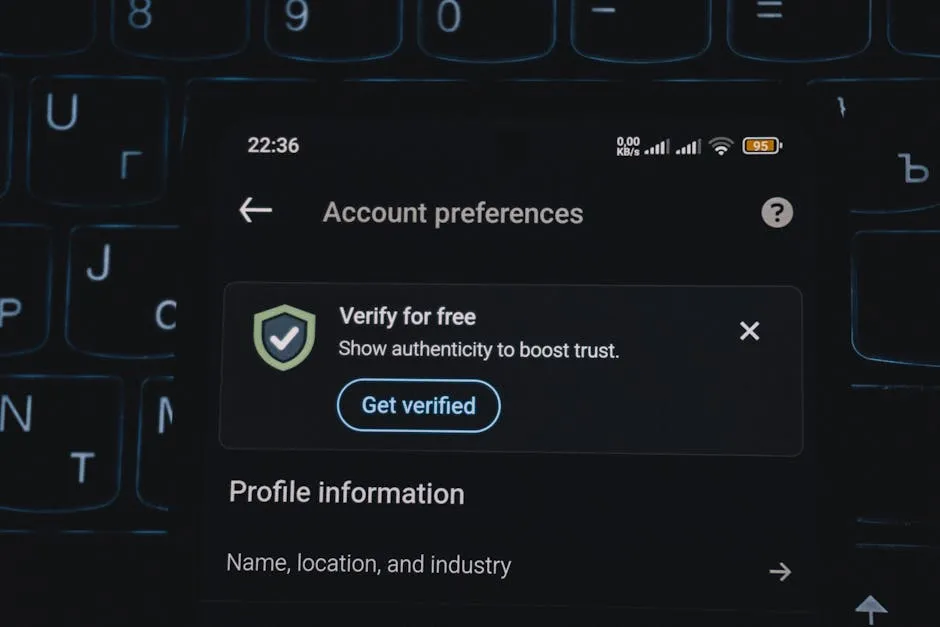
Picture this: you get a new phone, set it up, and then try to log into your Microsoft 365 admin account. The system asks for your authenticator app. The authenticator app is on the old phone. The old phone is wiped. You know your password. You have the right email address. But the system won’t budge, and you’re completely locked out of your business email, files, and everything else.
This is happening to real businesses right now, discussed openly on the r/Office365 community. When the only Global Admin (the account with full control over your Microsoft 365 setup) gets blocked by multi-factor authentication (MFA, the second login step that uses your phone), nobody inside the organisation can fix it. There is no back door through the settings panel. No portal access means no support ticket. And generic emails to Microsoft support can sit unanswered for weeks.
What actually gets you back in
If this happens to you, here is the path that works:
- Call Microsoft Support directly. Use the phone number for business customers in your region. When you get through, be specific: say it’s an Authenticator MFA issue and that you’re the sole Global Admin locked out of the tenant.
- Ask for the Data Protection Team. They’re the only people with tools to reset MFA credentials after verifying you own the tenant. Generic first-line support cannot do this.
- Prepare proof of ownership. Business registration documents, billing records, domain ownership confirmation, or recent account activity. Have it ready before you call. If you can’t get through on the phone, there is a workaround: set up a free trial Microsoft 365 tenant, log in as the admin there, and open a support ticket from that trial account’s admin centre. Explain that your primary tenant has a locked-out sole Global Admin. It sounds convoluted, but it gives you a way to raise a ticket without needing access to the broken account.
Be specific in every interaction: tenant name, the exact admin email address, and a clear request for escalation to Tenant Recovery. Vague support requests get slower, more automated responses.
How to make sure it never happens again
Once you’re back in, sort this properly. Register more than one way to prove your identity: the authenticator app on your phone, a backup phone number, and a security key if you want something physical. Losing one method should never mean losing everything.
Beyond that, consider adding a second Global Admin account. A trusted colleague, or even a shared account kept somewhere secure, means there’s always someone who can reset the primary admin’s access if something goes wrong. Some businesses go a step further and set up an emergency admin account, kept completely offline with no MFA, for exactly this kind of situation.
It is also worth reviewing how MFA is set up across the rest of your team. Articles like why phishing training alone won’t protect your team any more are a useful reminder that the login layer matters as much as anything else in your security setup.
A single admin account with no backup is a fragile setup, and many smaller businesses in places like Mold, Ruthin, or Holyhead are running exactly that without realising it. Dragon Digital sets up resilient Microsoft 365 admin structures for businesses across North Wales, including proper backup authentication and emergency access procedures, so a lost phone never becomes a lost business.
Could your business use a hand with its IT?
We provide managed IT support, cyber security and more to businesses across North Wales.
Related guides
- Microsoft 365
Microsoft 365 is changing in June, what you need to do
Microsoft is retiring standalone OneDrive plans, Teams Live Events, and tweaking how some email and sync access works. Here’s what matters for your business.
- Microsoft 365
Microsoft Exchange Online email delays: what happened and what to do
On 2 June, Microsoft 365 email ground to a halt globally, with messages queuing for over an hour. Here’s what caused it and what to check in your account.
- Microsoft 365
SharePoint authoritative sites: useful if you’re running Copilot
Microsoft’s new SharePoint feature lets you flag trusted content for Copilot to prioritise, worth knowing about if your business has Copilot licences active.