
Microsoft Edge is losing its Sidebar — what changes for your team
Microsoft is quietly removing the Edge Sidebar, the quick-access panel many users pinned apps to. Here’s what’s going and what to do if your team relied on.
By The Dragon Digital team ·
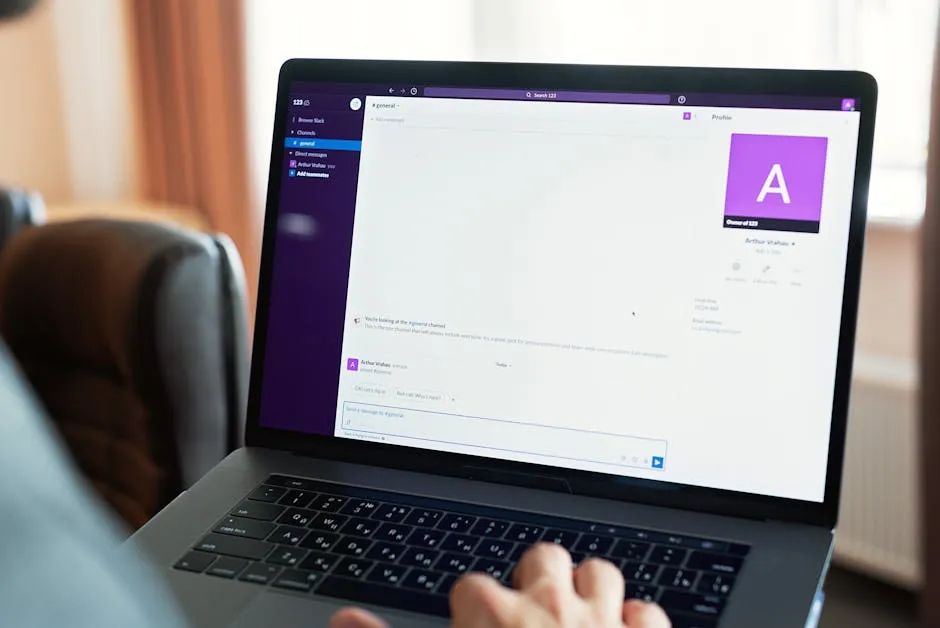
Microsoft is quietly removing one of Edge’s more useful features: the Sidebar, the narrow panel on the right-hand side of the browser where you could pin things like Outlook, a calendar, or an internal tool alongside whatever you were browsing. New apps can’t be added to it anymore, and existing ones will disappear in a future update.
The phased removal started with personal Microsoft account users and will work its way across business accounts over the coming months. Microsoft confirmed the change in updated support documentation, though no hard deadline has been set yet.
Does this actually affect your business?
For most North Wales SMBs, probably not much. The Sidebar was most useful to people who’d built it into a daily habit: keeping Outlook open in the panel while researching a supplier, or pinning a quick-access link to an internal system. If your team never really touched it, you won’t notice it’s gone.
If you did use it, the practical alternatives are straightforward enough:
- Firefox handles side-panel workflows cleanly with the right settings, and it’s free.
- Windows Split Screen lets you run two windows side-by-side on the same screen, which covers most of what the Sidebar was doing.
- Separate browser windows snapped to either side of the screen is the low-effort version of the same thing. None of these are quite as tidy as the old Sidebar, but they all work.
Why Microsoft is doing this
The official line is that they’re simplifying Edge. The less charitable read is that Copilot, Microsoft’s AI assistant, is staying put and getting more prominence, while the features people actually used quietly disappear. It’s a pattern that’s becoming familiar.
Whether that’s the right call is debatable. Plenty of people thought the app launcher worked perfectly well, and replacing it with an AI button most users never asked for is an odd trade. But it’s the direction things are going, and it’s worth knowing about before your team starts wondering where their pinned apps went.
If the Sidebar was part of how someone on your team works, it’s worth flagging to whoever looks after your IT so they can sort an alternative before the feature disappears.
Could your business use a hand with its IT?
We provide managed IT support, cyber security and more to businesses across North Wales.
Related guides
- Software Updates
Windows 11 finally lets you move the taskbar
Microsoft is testing a movable taskbar and leaner Start menu in Windows 11. Here’s what it means if your team has been resisting the upgrade.
- Software Updates
Windows 11 KB5089573: Worth rolling out now, don’t wait for June
Optional update hitting Windows 11 machines in May brings measurable app-launch and login speed boosts. Since it won’t auto-deploy, you need to push it to.
- Software Updates
Windows 11 KB5089573: The update that actually speeds things up
Microsoft’s latest update tackles the sluggishness that’s haunted Windows 11 since launch. Start menu and apps open faster, no hardware upgrade needed.