
Windows 11’s Low Latency Profile: Why Your PCs Are About to Feel Faster
Microsoft is testing a feature that makes Windows 11 feel snappier by briefly boosting CPU speed. Here’s what it means for your office machines.
By The Dragon Digital team ·
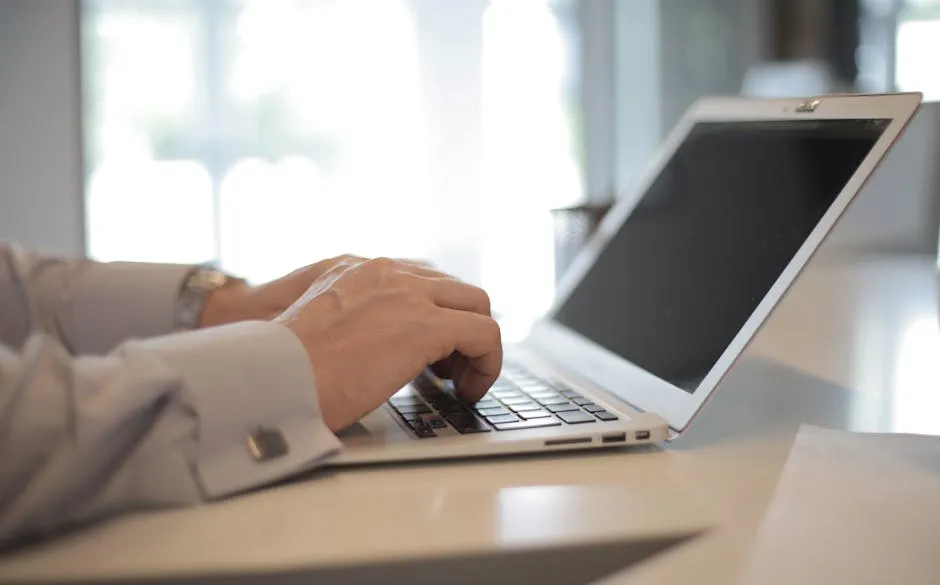
If your office laptops have started to feel sluggish when opening files or launching Outlook, Microsoft is quietly testing a fix that should actually make a difference. The upcoming Windows 11 feature is called Low Latency Profile, and it works by briefly ramping the CPU to full speed for short bursts whenever you click something important — opening an app, the Start menu, or a file folder.
Some online commentators have called it “lazy” or a “brute-force” workaround. Microsoft VP Scott Hanselman pushed back on that directly: “All modern operating systems do this, including macOS and Linux. It’s not ‘cheating’; this is how modern systems make apps feel fast — they temporarily boost the CPU speed and prioritise interactive tasks to reduce latency.” Your smartphone has been doing this constantly for years. It’s standard engineering, not a shortcut.
What this means for your office machines
The practical upside: testing suggests apps and menus could open 40% to 70% faster on everyday tasks. That sounds overblown, but the numbers are holding up. For a reception PC in Rhyl or a laptop running Outlook and Teams all day in a busy Denbigh office, those fractional-second delays add up fast — and they make the whole machine feel older than it is.
The feature runs automatically in the background. The CPU boost lasts only one to three seconds, uses minimal power, and won’t noticeably heat up your laptops. It’s currently in testing with Windows Insider users and should roll out to everyone via standard Windows updates later this year — nothing for you to do.
Most businesses won’t care about the engineering debate. What matters is whether your team’s machines feel snappy or sluggish when they sit down in the morning. If Windows 11 has been dragging on your fleet, this discussion on r/microsoft has the technical detail if you want it — but the short version is: Microsoft is making a sensible call, and your machines are about to feel faster without you lifting a finger.
That said, if the slowness has been bad enough that you’re genuinely wondering whether the hardware is past it, Dragon Digital does fleet reviews for businesses across North Wales and will give you a straight answer on whether it’s the software, the machine, or both.
Could your business use a hand with its IT?
We provide managed IT support, cyber security and more to businesses across North Wales.
Related guides
- Software Updates
Windows 11 finally lets you move the taskbar
Microsoft is testing a movable taskbar and leaner Start menu in Windows 11. Here’s what it means if your team has been resisting the upgrade.
- Software Updates
Windows 11 KB5089573: Worth rolling out now, don’t wait for June
Optional update hitting Windows 11 machines in May brings measurable app-launch and login speed boosts. Since it won’t auto-deploy, you need to push it to.
- Software Updates
Windows 11 KB5089573: The update that actually speeds things up
Microsoft’s latest update tackles the sluggishness that’s haunted Windows 11 since launch. Start menu and apps open faster, no hardware upgrade needed.